> ## Documentation Index
> Fetch the complete documentation index at: https://docs.wji.ai/llms.txt
> Use this file to discover all available pages before exploring further.
# Introduction
> What WJI is, who it is for, and what you can make with it.
WJI is a creative workspace for people who make visual stories. You collect your ideas, turn them into images and video with AI, and arrange the results into storyboards and edits — without leaving the same workspace.
 ## What you work with
Everything in WJI lives inside a **workspace**. A workspace holds your ideas, your generated media, and your canvases, and it bundles the apps you work in.
Capture stories, characters, locations, props, and shots. Everything you write here can be reused by the other apps.
Turn ideas into images, video, and audio. Reference your existing material so results stay consistent.
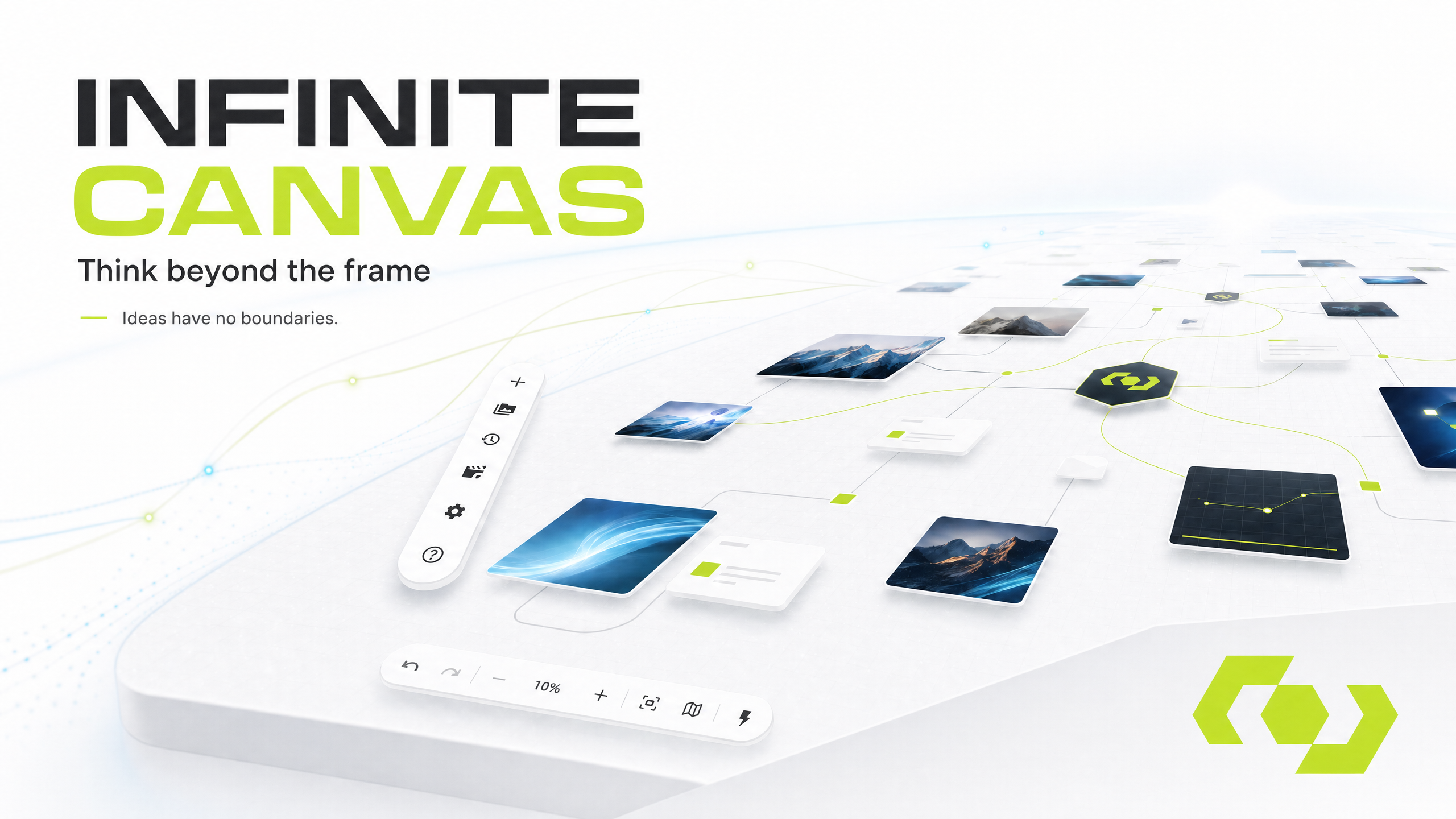
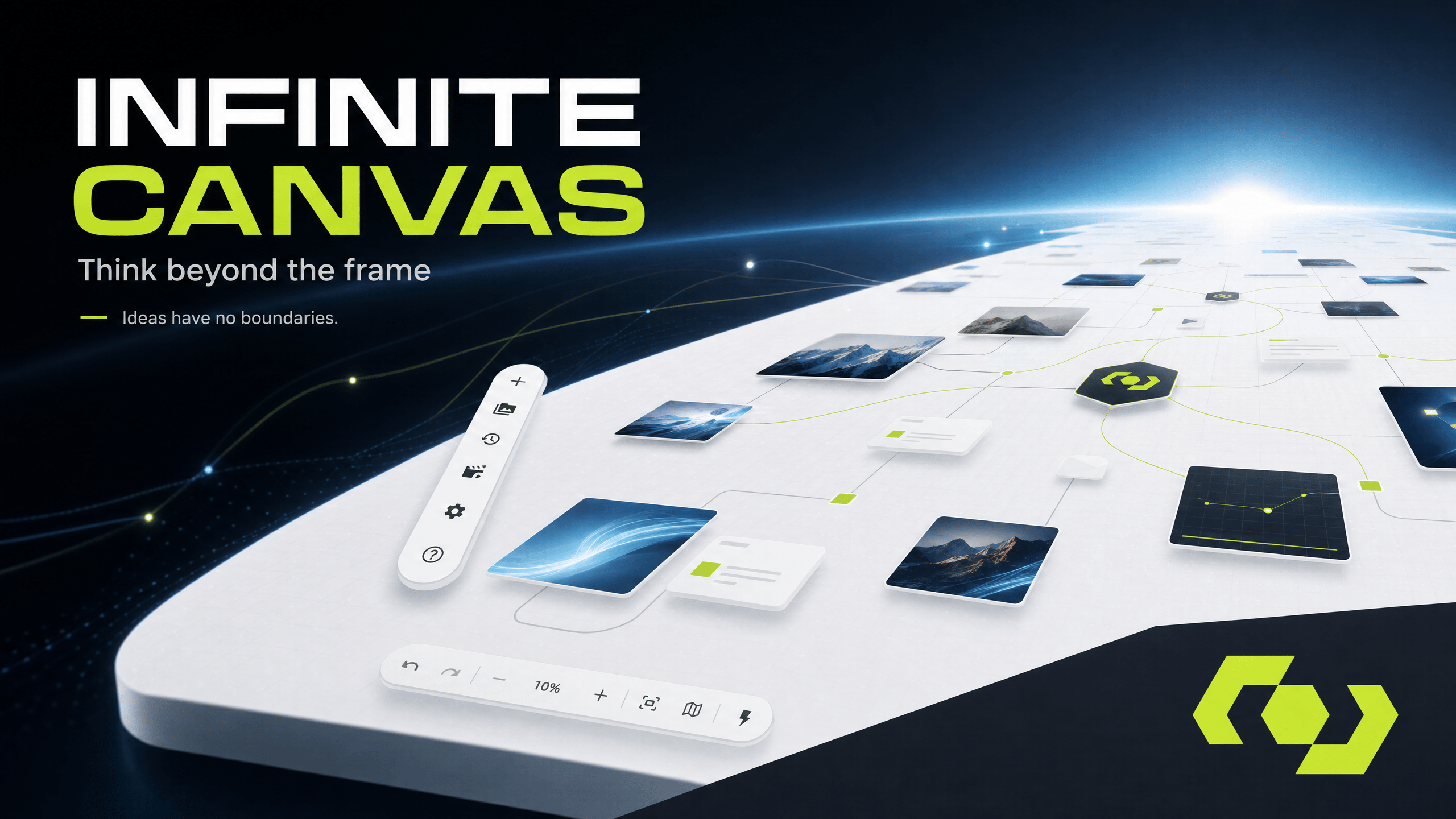
A node-based board where connections feed context into each generation. Build shot sequences and assemble them on a timeline.
A fourth app, [Digital Host](/digital-host/overview), turns a script into presenter-led video. It is not enabled by default.
## Who it is for
WJI is built for creators and the teams around them — people writing and shooting visual stories, and the managers who handle members, access, and spend. This documentation is written for both.
## Where to start
Go from a new account to your first generated image.
Learn your way around before you dive in.
## What you work with
Everything in WJI lives inside a **workspace**. A workspace holds your ideas, your generated media, and your canvases, and it bundles the apps you work in.
Capture stories, characters, locations, props, and shots. Everything you write here can be reused by the other apps.
Turn ideas into images, video, and audio. Reference your existing material so results stay consistent.
A node-based board where connections feed context into each generation. Build shot sequences and assemble them on a timeline.
A fourth app, [Digital Host](/digital-host/overview), turns a script into presenter-led video. It is not enabled by default.
## Who it is for
WJI is built for creators and the teams around them — people writing and shooting visual stories, and the managers who handle members, access, and spend. This documentation is written for both.
## Where to start
Go from a new account to your first generated image.
Learn your way around before you dive in.