

Create an account
Go to app.wji.ai and click Create Account. The registration form asks for:1
Username and email
Enter the name you want to be known by and a working email address.
2
Verification code
Click Get Code. WJI emails you a verification code — enter it in the field next to the button. The button counts down before you can request another code.
3
Password
Choose a password of at least 8 characters and confirm it.
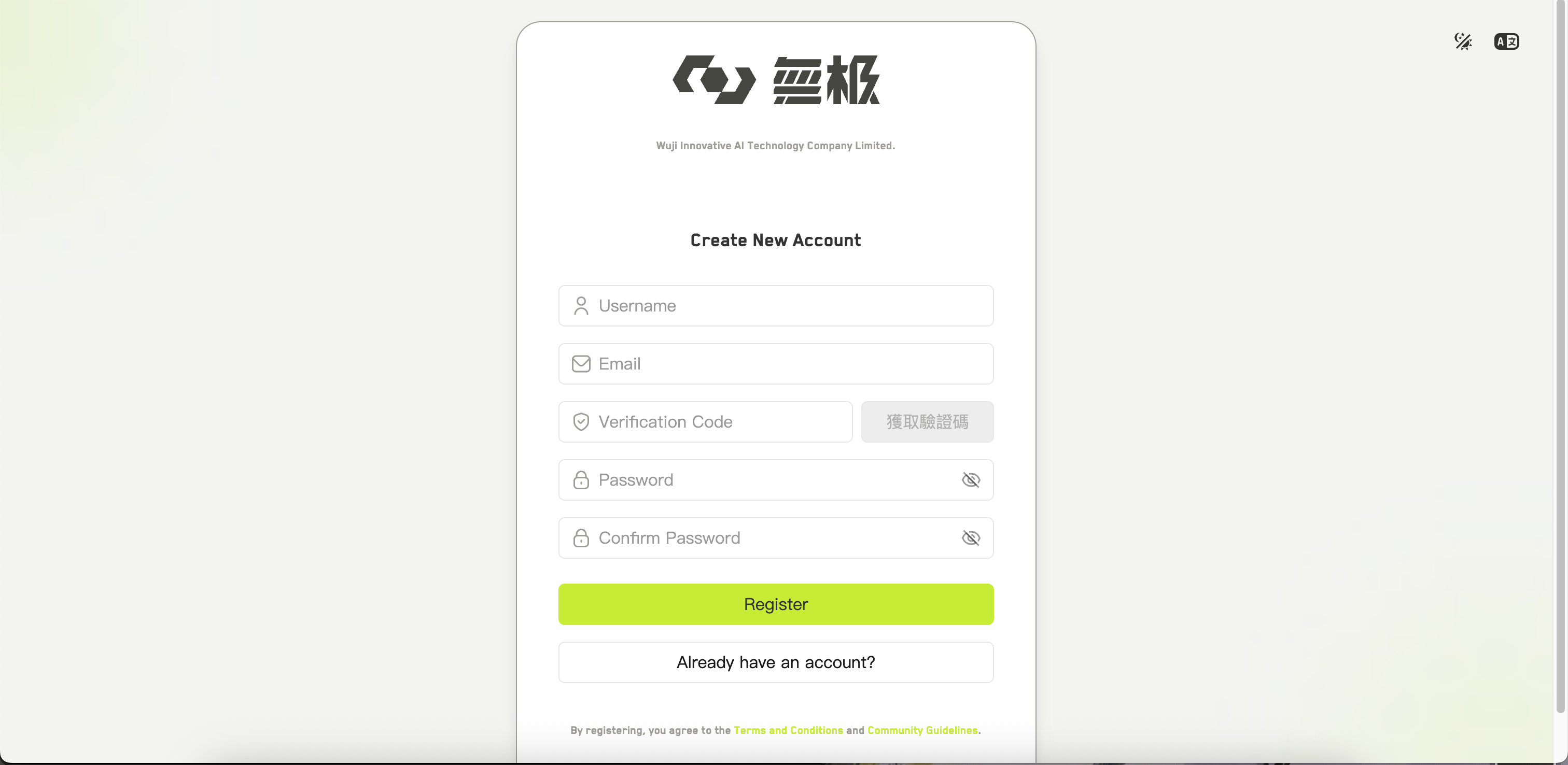
The account creation form
Sign in
- Email and password
- Google
- Facebook
Enter your email and password, then click Sign In.Your password must be at least 8 characters, and the email must be a valid address — WJI validates both before sending the request.
Reset a forgotten password
Click Forgot Password? on the sign-in page.1
Enter your email
Type the address on your account.
2
Request a code
Click Get Code and check your inbox. The button shows a countdown before you can request another one.
3
Set a new password
Enter the code and your new password — again, at least 8 characters — then click Reset Password.
Staying signed in
WJI keeps you signed in on the same browser until you sign out or your session expires. If your session expires while you are working, you are returned to the sign-in page and sent back to the page you were on once you sign in again. To sign out, open your profile menu at the top right and choose Logout.You can review recent sign-in activity from the profile menu under Login history.