

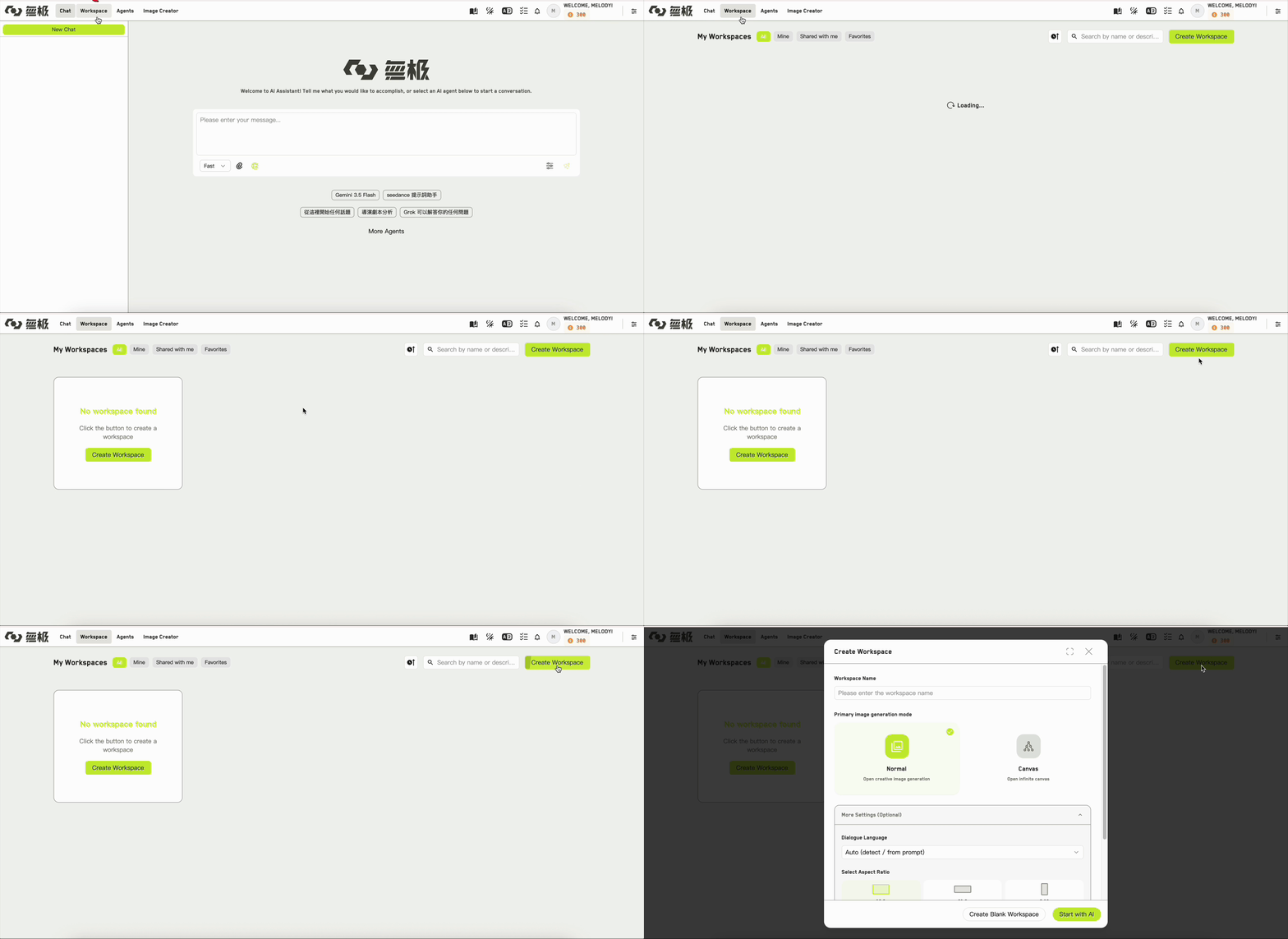
The Create workspace dialog
Workspace name
The only required field. You can change it later in settings.Primary image generation mode
This is the choice worth thinking about. It sets which app the workspace opens into.- Open creative image generation
- Open infinite canvas
The workspace opens in Idea Studio. Use this when you want to write first — build up characters, locations, and shots, then generate images from them.
More settings
These are optional, and each has a sensible default. All of them can be changed later.
If you are working inside an organization, you will also see a billing mode choice that decides whose credits this workspace spends. See Roles and permissions.
Two ways to finish
1
Start with AI
Creates the workspace and immediately opens the Build with AI wizard in Idea Studio, so you can turn an outline or a premise into a full set of ideas straight away.
2
Create Blank Workspace
Creates the workspace and drops you into it empty, ready for you to add ideas yourself.
WJI does not offer a choice of workspace template. Every new workspace is created with the same set of apps regardless of how you finish this dialog.