

The top navigation
Every page outside a workspace shares the same header.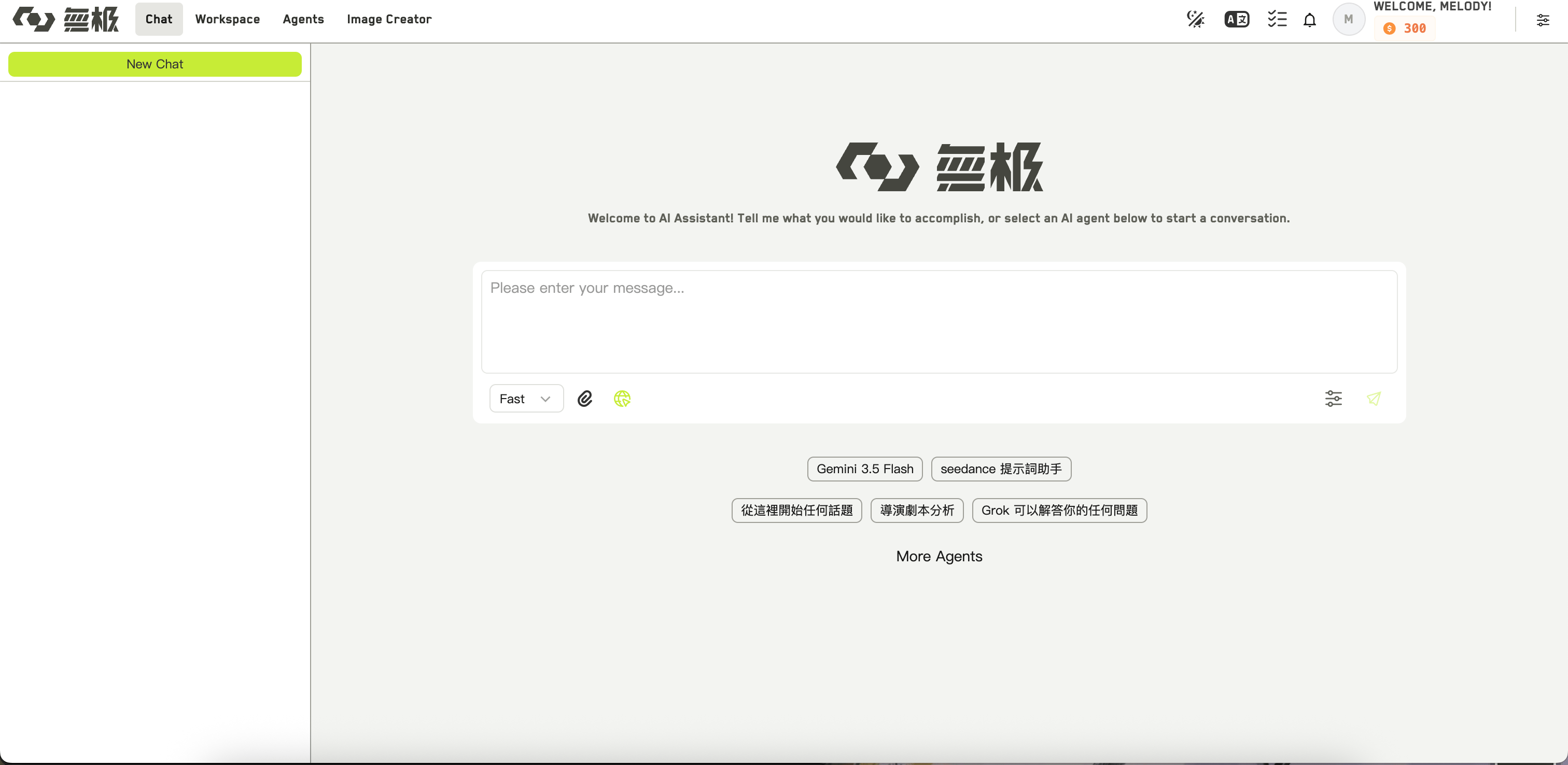

The WJI top navigation
Two more links appear only for some accounts: IP/Character needs an asset group permission, and Admin appears only for administrators.
On the right side of the header you will find the theme switcher, the language switcher, a task tracker for your running generations, a notification bell, and your profile menu. The profile menu also holds your Dashboard, Usage, Billing history, Support, and the organization switcher.
The workspace list
Workspace opens My Workspaces. Each card shows the workspace cover, its aspect ratio, its language, the members on it, and when it was last updated. Click the star on a card to favorite it. Above the cards you can:- Filter by All, Mine, Shared with me, or Favorites
- Sort by updated or created time, ascending or descending
- Search by keyword
- Click Create workspace
Inside a workspace
Opening a workspace replaces the whole screen with a three-column layout.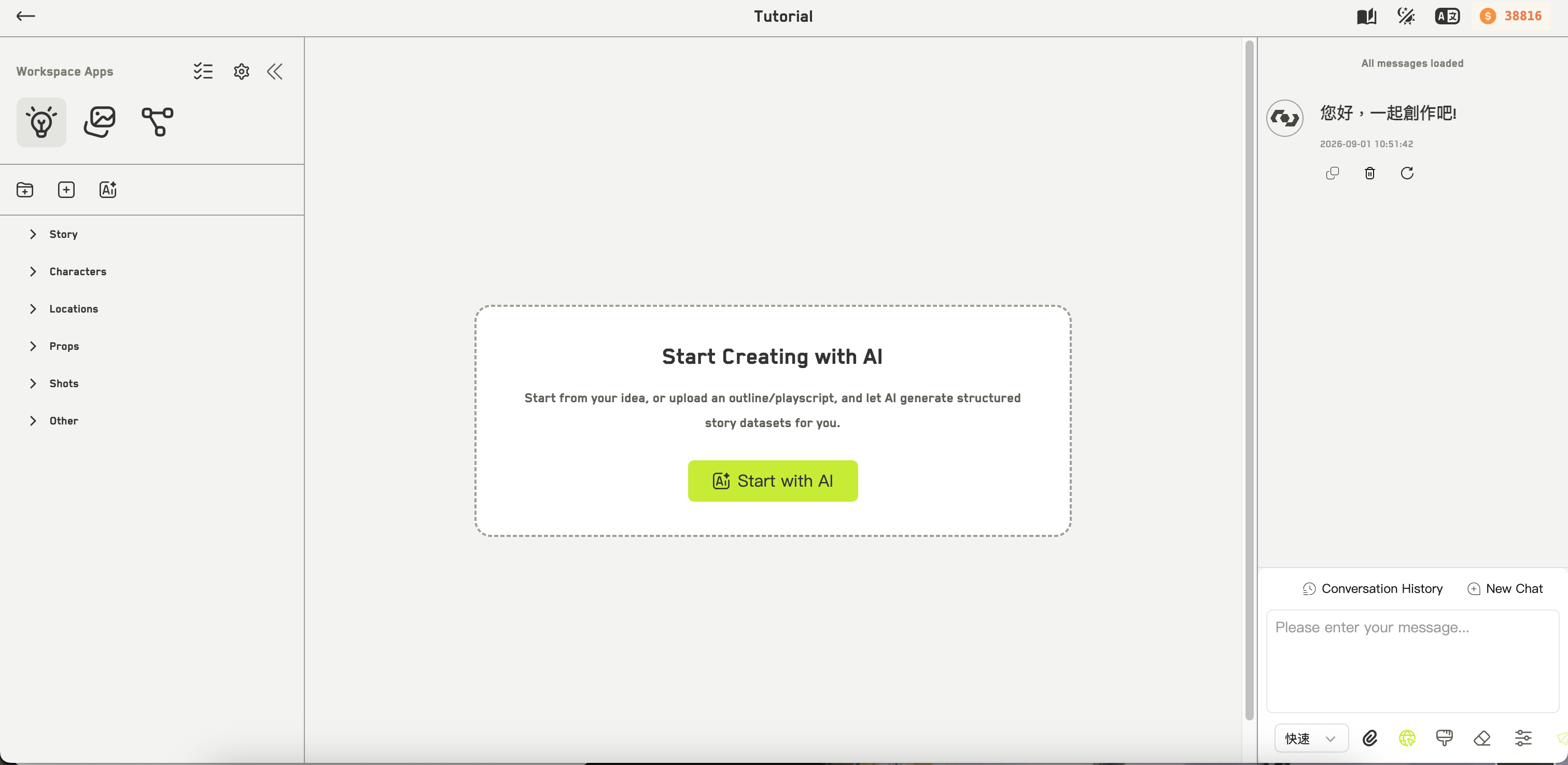

The workspace layout
Idea Studio
Capture and organize ideas.
Idea Image Generation
Generate images and video.
Infinite Canvas
Work on a node-based board.
Opening the Infinite Canvas collapses the left panel to a rail automatically, and it stays that way while you are on the canvas.