

Where you can generate
The workspace app is the one to use for project work. It has three columns: the dataset sidebar on the left, the dataset contents in the middle, and the generator on the right. Anything you generate is filed against the current dataset automatically, and history defaults to filtering by it.
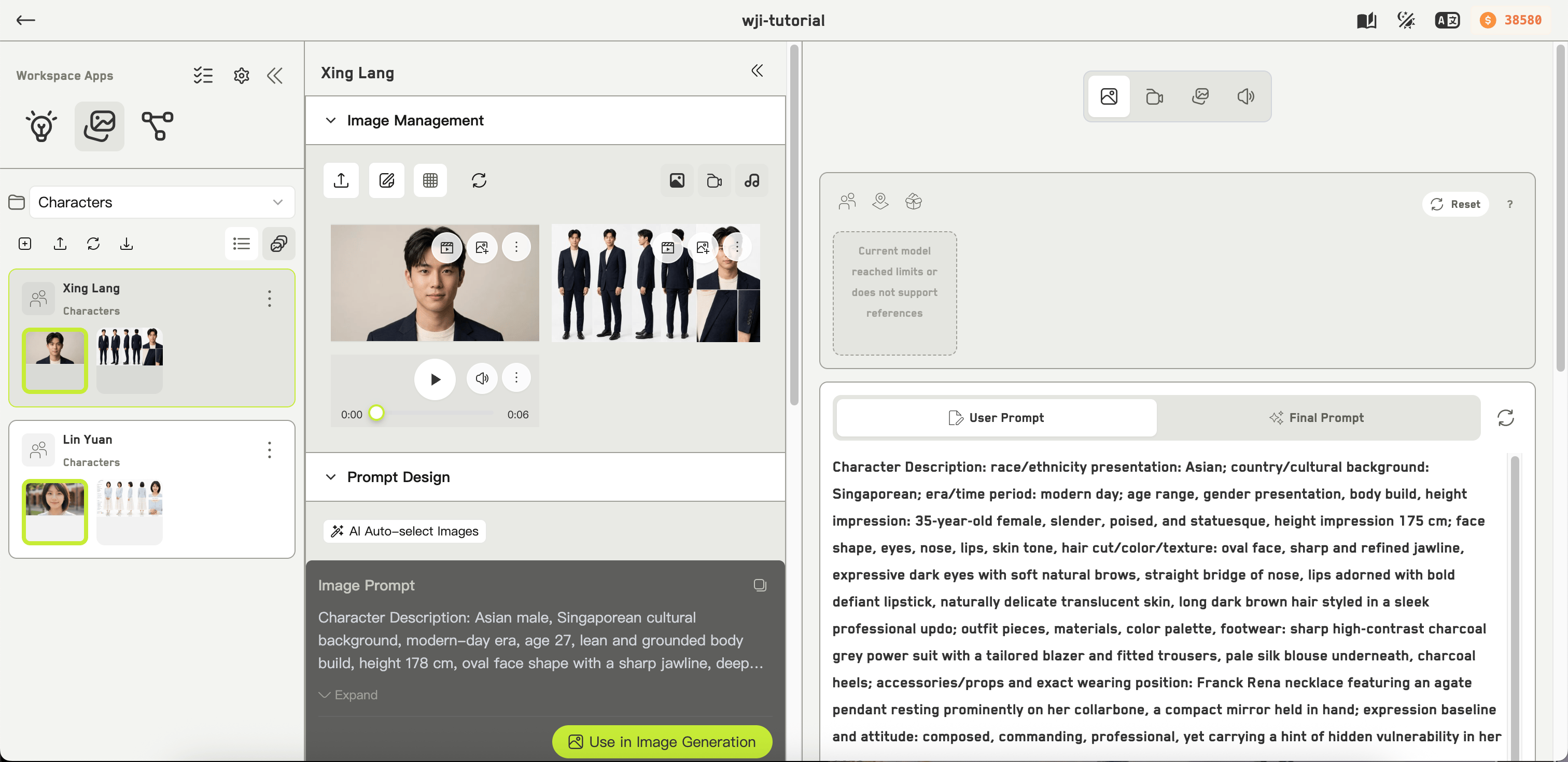
The Idea Image Generation app
The four modes
Icons at the top of the form switch between them.Image
Still images from a prompt and optional references.
Video
Video, with duration, first and last frames, and task modes.
Storyboard
A grid of shots or camera angles in one image.
Text to audio
Speech from text, with speaker and rate controls.
The shape of a generation
1
Write a prompt
See Writing prompts. WJI can rewrite it into an optimized final prompt before sending.
2
Pick a model
The model determines which settings are even available. See Choosing a model.
3
Add references
Optional, but this is how you keep characters and places consistent. See Reference images.
4
Check the cost, then submit
The generate button shows an estimate before you commit. See How credits work.
5
Work with the result
Results land in history below the form. See History and results.